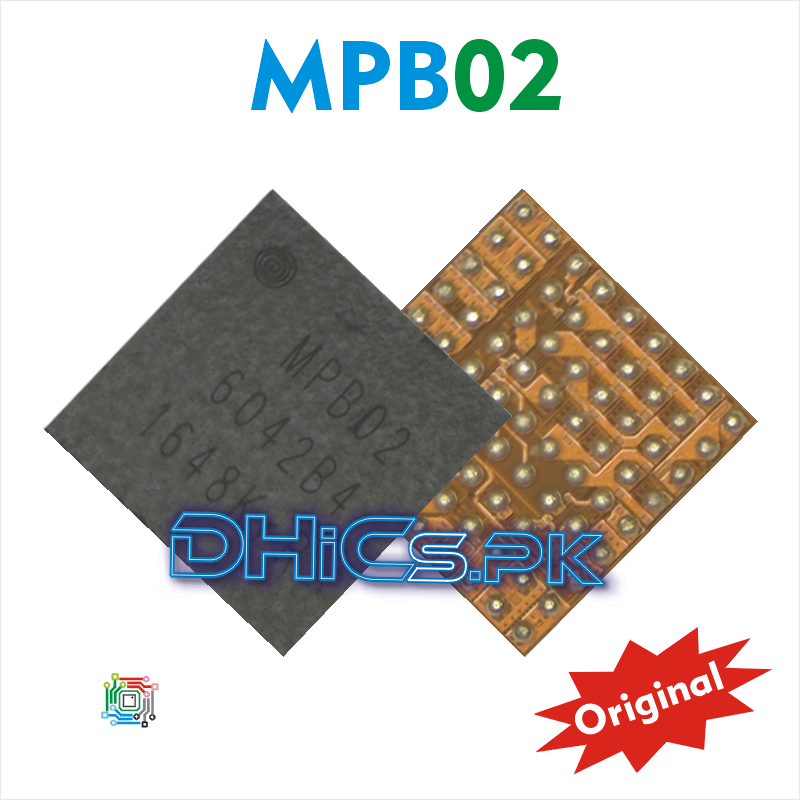
MPB02 Small Power Charging iC 100% Original iC FOR Samsung Galaxy S6 & S6 Edge Galaxy S5 G9200 G920F S7 S8
$59.21
$78.75
MPB02 Small Power Charging iC 100% Original iC FOR Samsung Galaxy S6 & S6 Edge Galaxy S5 G9200 G920F S7 S8 Samsung Galaxy S6 Not charging solution iC chip, Dead solution iC MPB02 Samsung Galaxy S6 Edge Not charging solution iC chip, Dead solution iC MPB02 Samsung Galaxy S5 Not charging solution iC chip, Dead solution iC MPB02 Samsung G9200 Not charging solution iC chip, Dead solution iC MPB02 Samsung G920F Not charging solution iC chip, Dead solution iC MPB02 Samsung S7 Not charging solution iC chip, Dead solution iC MPB02 Samsung S8 Not charging solution iC chip, Dead solution iC MPB02 Replace or repairing procedure of MPB02 Small Power Charging iC Here is a full procedure to replace or repair in easy and best way. 1. Diagnose carefully that your faulty mobile actually in iC fault. 2. And there is no other solution, only replacement of iC chip is a solution. 3. Cover the whole mother board with high intensity heat insulation tape. Grip the board in board catcher normal tight. 4. Apply good quality flux paste on iC chip you want to remove. 5. Apply heat with heat gun or heat station. Do not exceed the heat above 350 degree centigrade. 6. Remove the iC chip when it starting move or slip from its original place. 7. Clean the mother board iC pad with soldering wiCk and with soldering flux. 8. Apply little flux on mother board iC pad. 9. Put original iC bought from DHiCs.PK 10. Apply heat 300 to 350 degree centigrade according to your heat station brand. 11. Heating time one minute to one minute 30 second. 12. After the iC chip is pasted, net cool the mother board about 3 to 5 minutes. 13. Now everything is done. You can fix the mother board and turn on mobile.